DALFAST Studio › What you can make › Thumbnails people click
Thumbnails people click
Describe the video. DALFAST Studio makes the thumbnail at YouTube’s size, with a bold title and a picture that fits, and matching sizes for other platforms if you want them.
What you get
- The thumbnail at 1280 × 720
- Big, readable words that fit the box
- Copies for posts and stories in the same look
How it works
- Describe it in your own words, or start from one of the examples.
- DALFAST Studio makes it, with your words exactly as you wrote them.
- Change anything, then download, print, share or publish it.
Templates to start from
Real designs from the DALFAST Studio template library. Open one, put in your own words, and make it yours.
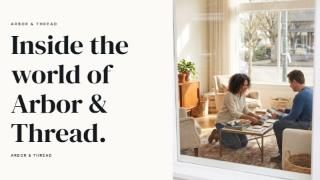 Interior designYouTube thumbnail
 BakeryYouTube thumbnail
 FloristryYouTube thumbnail
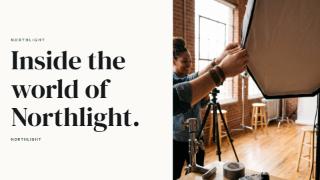 PhotographyYouTube thumbnail
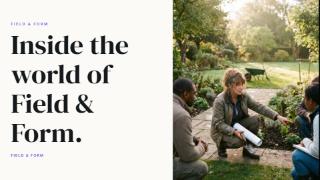 Garden designYouTube thumbnail
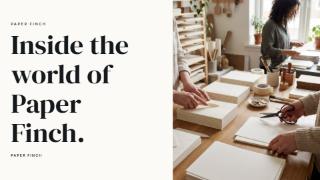 StationeryYouTube thumbnail
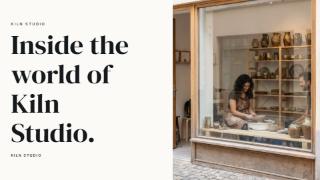 CeramicsYouTube thumbnail
 Coffee shopYouTube thumbnail
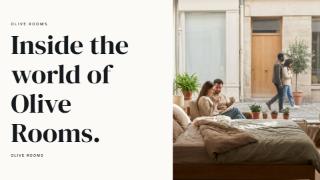 Boutique accommodationYouTube thumbnail
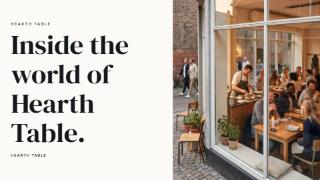 RestaurantYouTube thumbnail
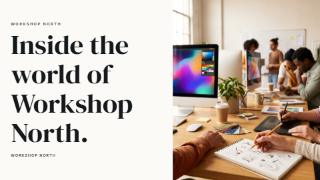 Design studioYouTube thumbnail
 Event planningYouTube thumbnail
Questions
Can I change everything afterwards?
Yes. Everything DALFAST Studio makes stays editable: the words, photos, colours, fonts and layout.
What does it cost?
You can start free. Making something from a description uses credits, and the estimate is shown beside the Create button before you press it. Store designs marked Free cost nothing.
Can I use it for my business?
Yes. What you make is yours to use, including for your business. Store products show their licence on their page.